Home › Solutions › SharePoint Lookbook
SharePoint intranet examples
SharePoint Intranet Lookbook: 6 Portal Designs
Six demo intranet designs for insurance, onboarding, workplace services, construction, HR and project teams. Each one is built in modern SharePoint Online, and each can become your intranet with your branding and content.
The short answer
What is a SharePoint lookbook?
A SharePoint lookbook is a set of example sites that show what a modern intranet can look like. Ours are six demo designs built with Microsoft’s web parts and our own SPFx web parts. Pick the one closest to your needs, and we’ll adapt it to your company.
Want the full picture first? Read about our SharePoint intranet service.
The designs
Six intranet designs, ready to adapt
Demo design 1
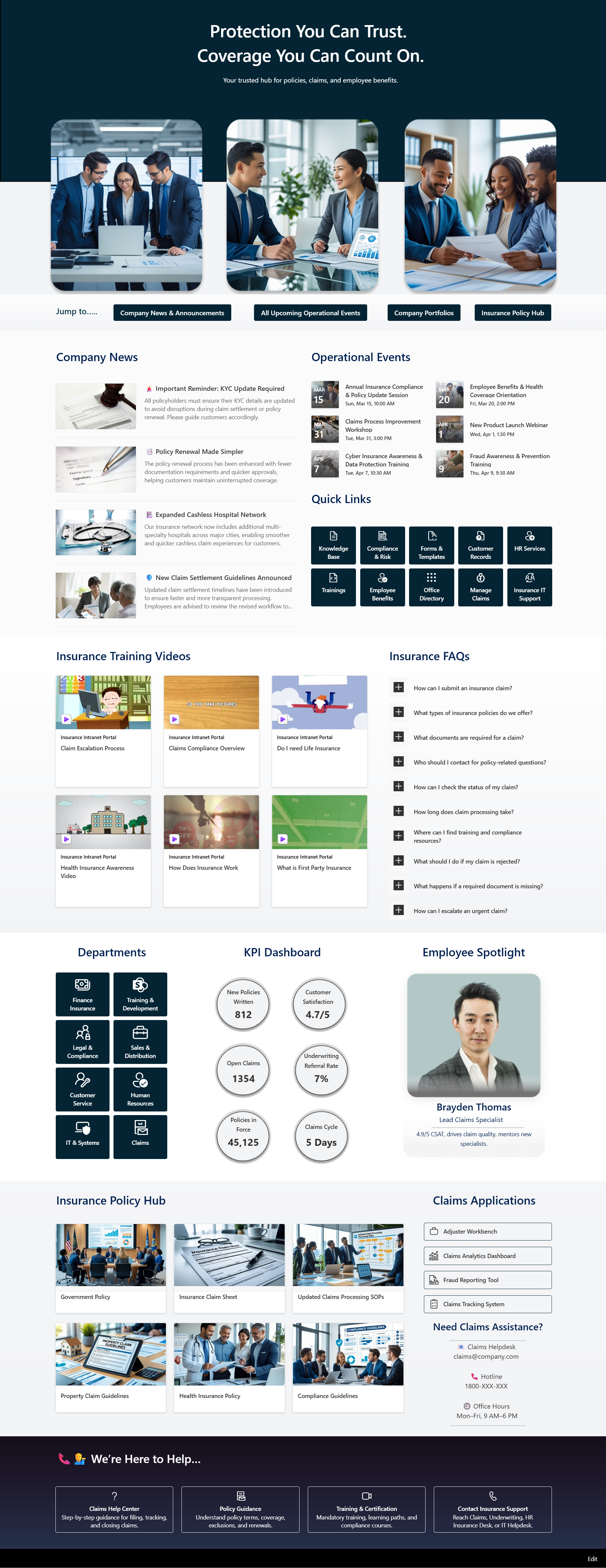
Insurance Intranet Portal
A central hub for an insurance company: company news, policies and rules, training and quick access to claims tools. Agents and office staff find what they need from one home page instead of a dozen bookmarks.
Built with
Demo design 2
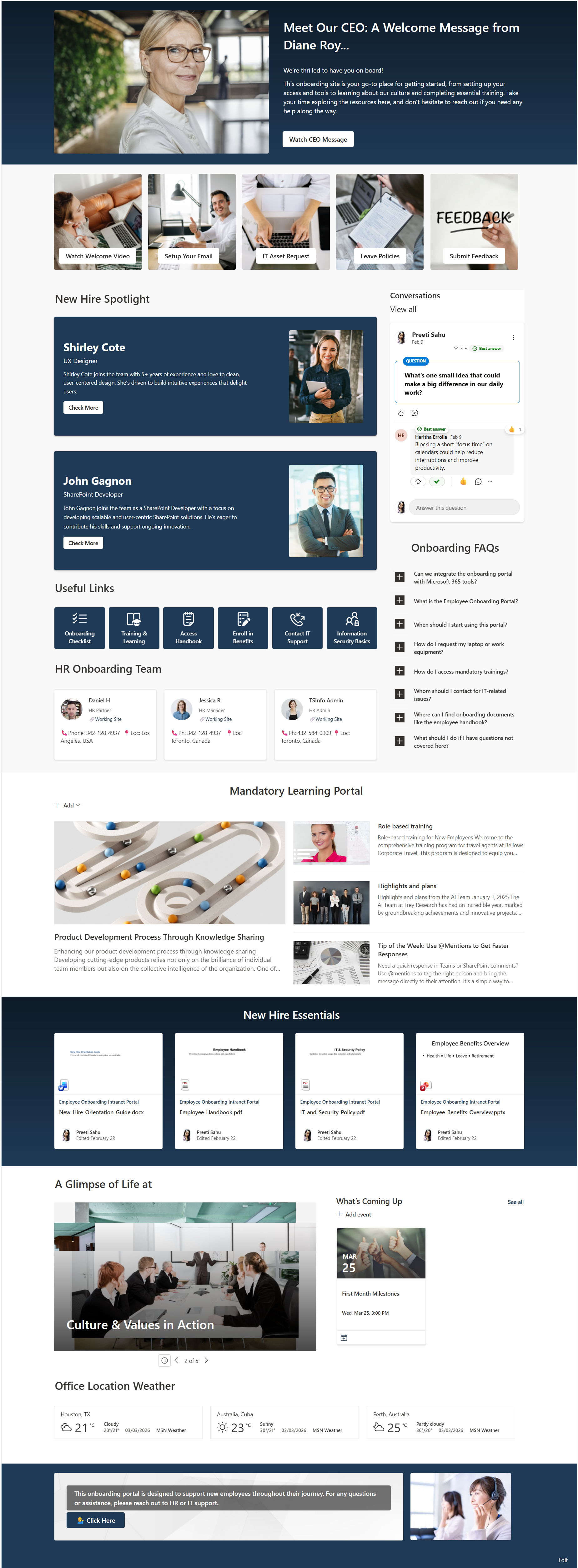
Employee Onboarding Portal
Everything a new hire needs in their first weeks: welcome messages, policies, training, key contacts, upcoming events and a place to join company conversations.
Built with
Demo design 3
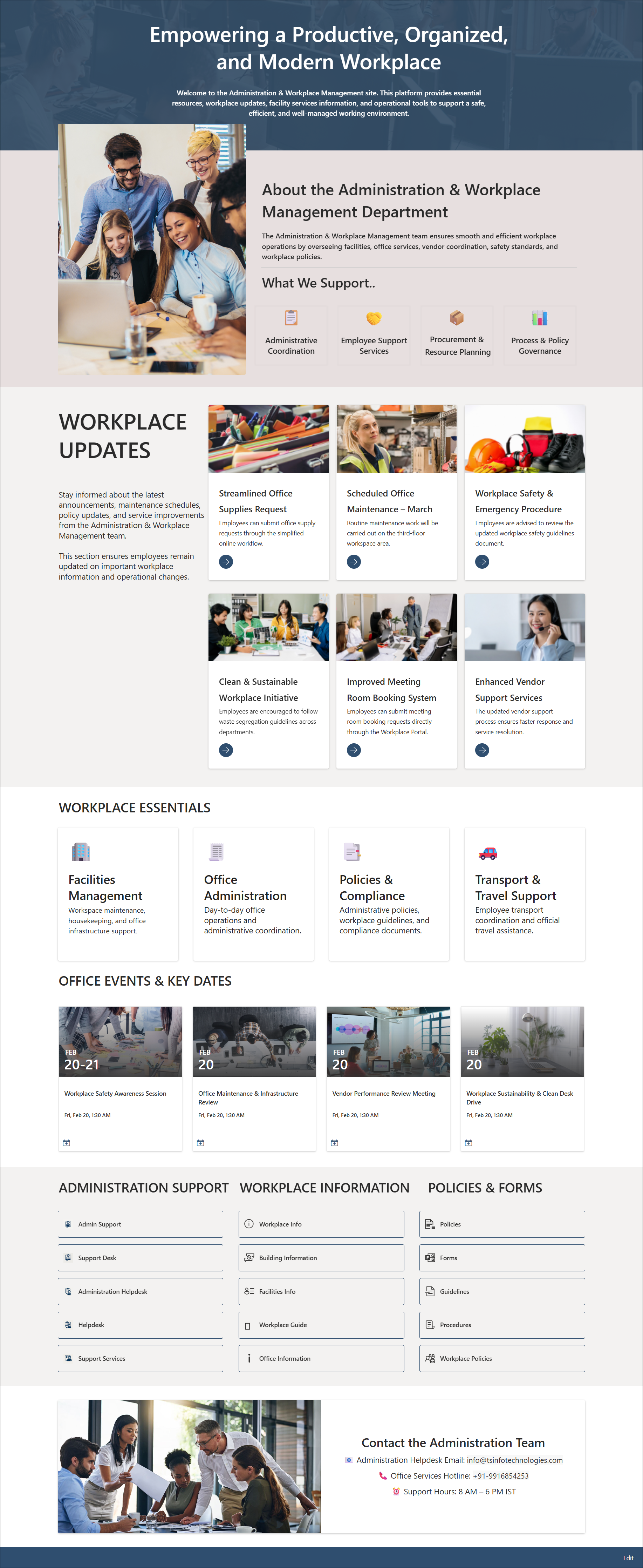
Administration and Workplace Portal
One place for office and admin services: workplace updates, facility requests, safety guidance, procurement and the policies people ask about most.
Built with
Demo design 4
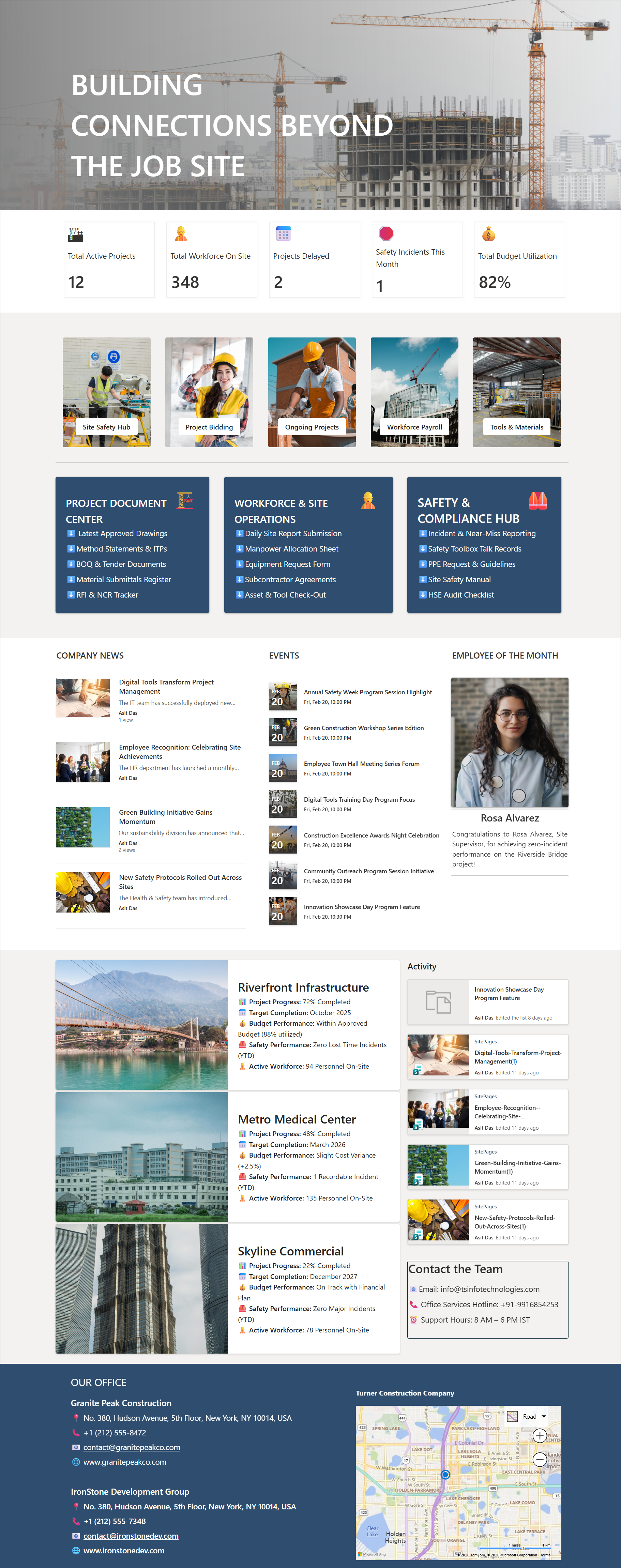
Construction Intranet Portal
Built for teams spread across job sites: project updates, workforce news, site safety alerts, budget visibility and a map of active locations.
Built with
Demo design 5
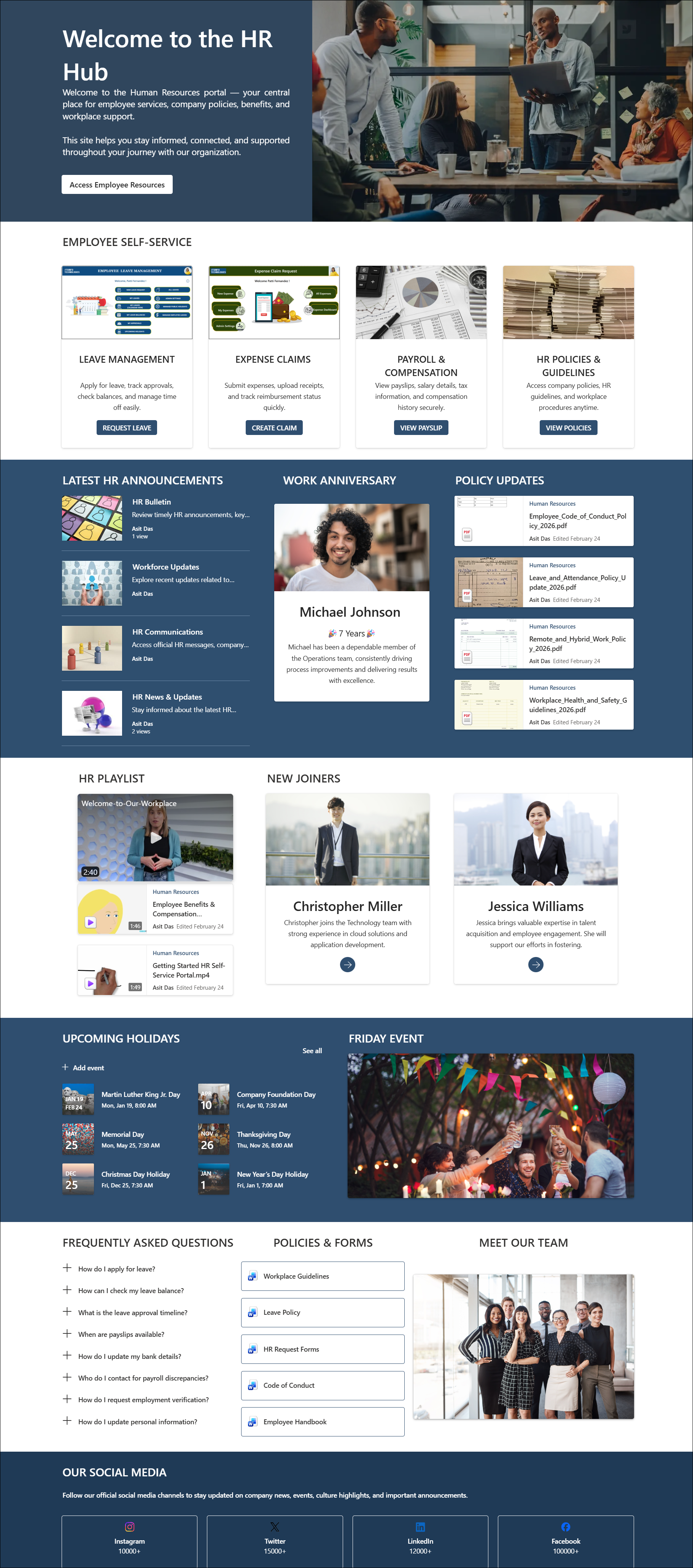
Human Resources Portal
HR self-service in one place: leave and expense requests, payroll information, policies, holidays, work anniversaries, new joiners and answers to common questions.
Built with
Demo design 6
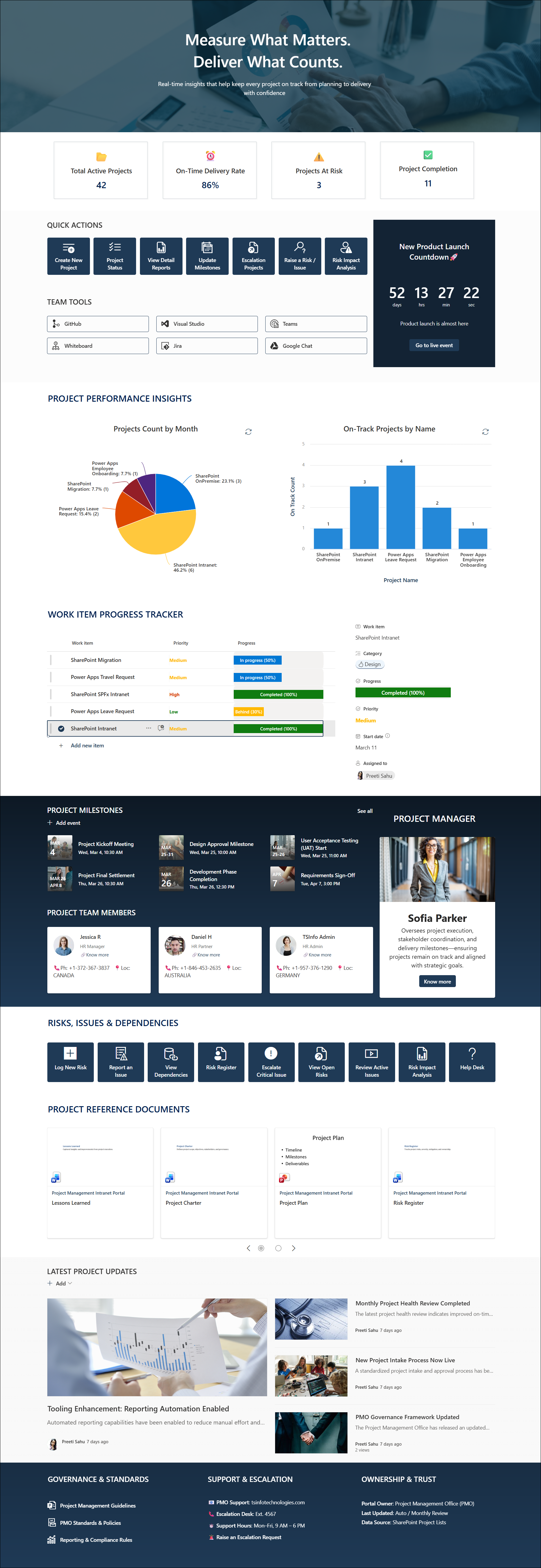
Project Management Portal
A home for project teams: plans, tracking lists, milestones, countdowns to key dates, status charts and the people on each project.
Built with