
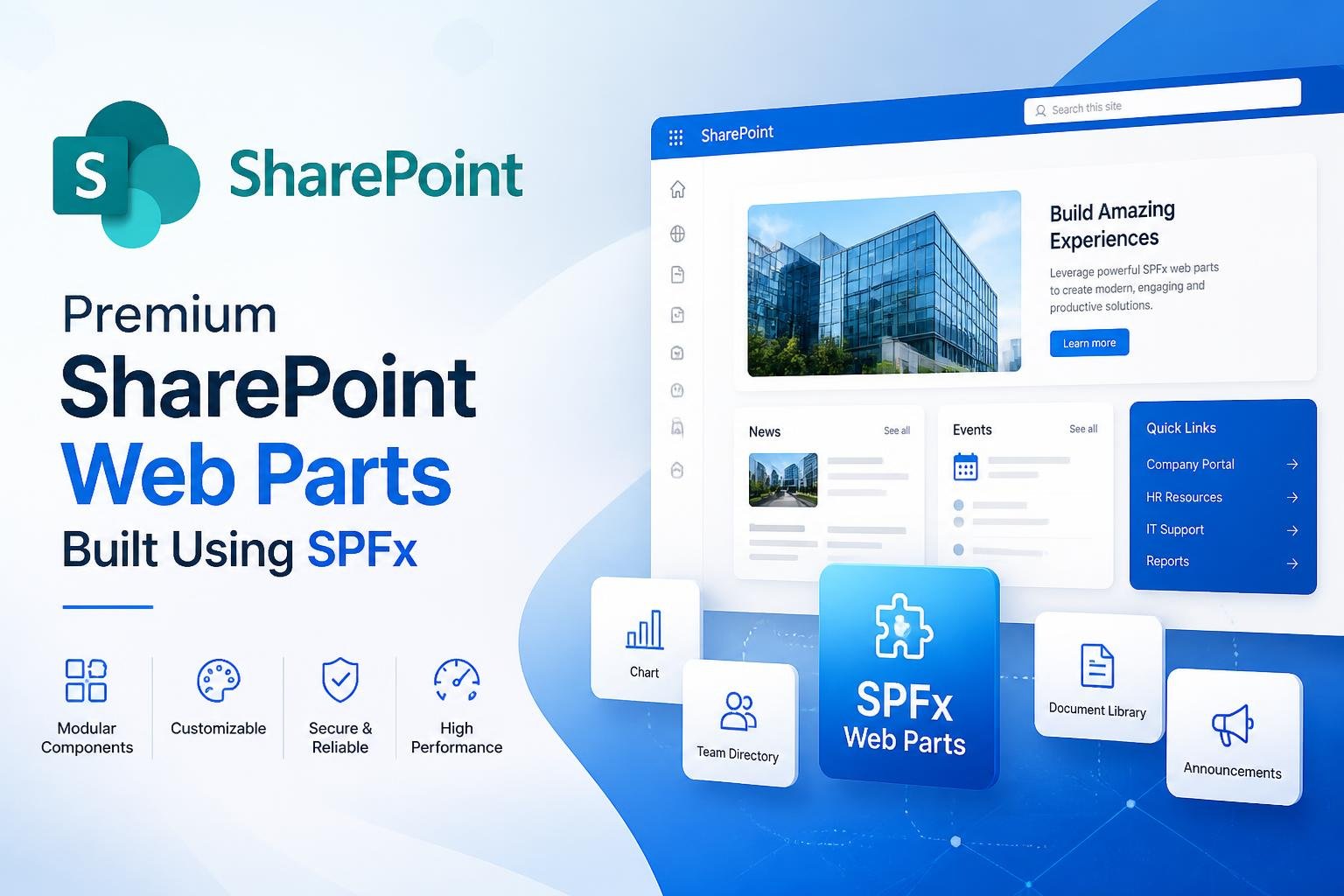
Premium SharePoint Web Parts Built Using SPFx
Explore premium SharePoint web parts built using SharePoint Framework (SPFx). Responsive, customizable, and ready-to-use solutions for modern SharePoint sites.
Content & Communications
Carousel Pro
Create a dynamic content carousel with images, text, and links to boost engagement on landing and department pages.
Holiday Calendar Pro
Display company holidays and office closures in a clean calendar view, so employees always know upcoming non‑working days.
Events Pro
Showcase upcoming events in a responsive, SharePoint‑ready layout that supports images, descriptions, and direct links to event details.
Compact News Pro
Highlight top announcements, team updates, and must‑read articles in a minimal news strip that fits any SharePoint section.
Announcements Pro
Publish important announcements with clear titles, icons, and expiry dates, ensuring critical updates are always visible on key SharePoint pages.
Alert Pro
Display high‑priority alerts in a bold, dismissible bar so employees instantly see outages, incidents, and time‑sensitive messages.
Countdown Timer Pro
Display live countdowns for events, launches, and deadlines with customizable timers that create urgency and increase user engagement.
Hero Banner Pro
Create stunning hero banners with impactful visuals, compelling text, and call-to-action buttons to capture attention instantly.
Weather Widget Pro
Show real-time weather updates and forecasts with an interactive weather widget to keep employees informed and prepared.
News Pro
Display dynamic news, announcements, and updates with images, categories, and links to keep employees informed and engaged.
Stats Pro
Showcase important numbers, performance metrics, and business insights with customizable statistic cards.
Employee Engagement
New Joiner Spotlight Pro
Showcase recent hires in a rotating spotlight, helping employees put faces to names and connect faster across the organization.
Employee Occasion Pro
Show upcoming birthdays and anniversaries in a modern, card‑based layout that encourages recognition and celebrates your people.
Org Chart Viewer Pro
Visualize your company hierarchy with interactive organizational charts that make reporting structures easy to understand and navigate.
Polls Pro
Engage employees with single-question polls and multiple-choice voting, perfect for quick decisions, event choices, and sentiment checks.
People Directory Pro
Build a searchable employee directory with profiles, contact details, and departments to improve communication and collaboration.
Document Timeline Pro
Track document history, milestones, and updates with an interactive timeline view for better visibility and collaboration.
Chart Visualiser Pro
Visualize business data with interactive charts and graphs to transform complex information into clear, actionable insights.
Greeting Pro
Welcome users with personalized greetings, profile details, and dynamic messages to make SharePoint sites more interactive and engaging.
Navigation & Utility
Quick Links Pro
Design a branded quick links bar with categories, icons, and responsive tiles to guide users to their most-used SharePoint resources.
Mega Menu Pro
Create powerful multi-level navigation menus with rich content, icons, and quick links for an enhanced browsing experience.
Site Footer Pro
Design a professional site footer with navigation links, branding, contact details, and social icons for a complete user experience.
FAQs Pro
Create an expandable FAQs section so employees can quickly find answers to common questions without logging a support ticket
Permission Manager Pro
Manage SharePoint permissions efficiently with centralized access controls, role assignments, and visibility into user permissions.