
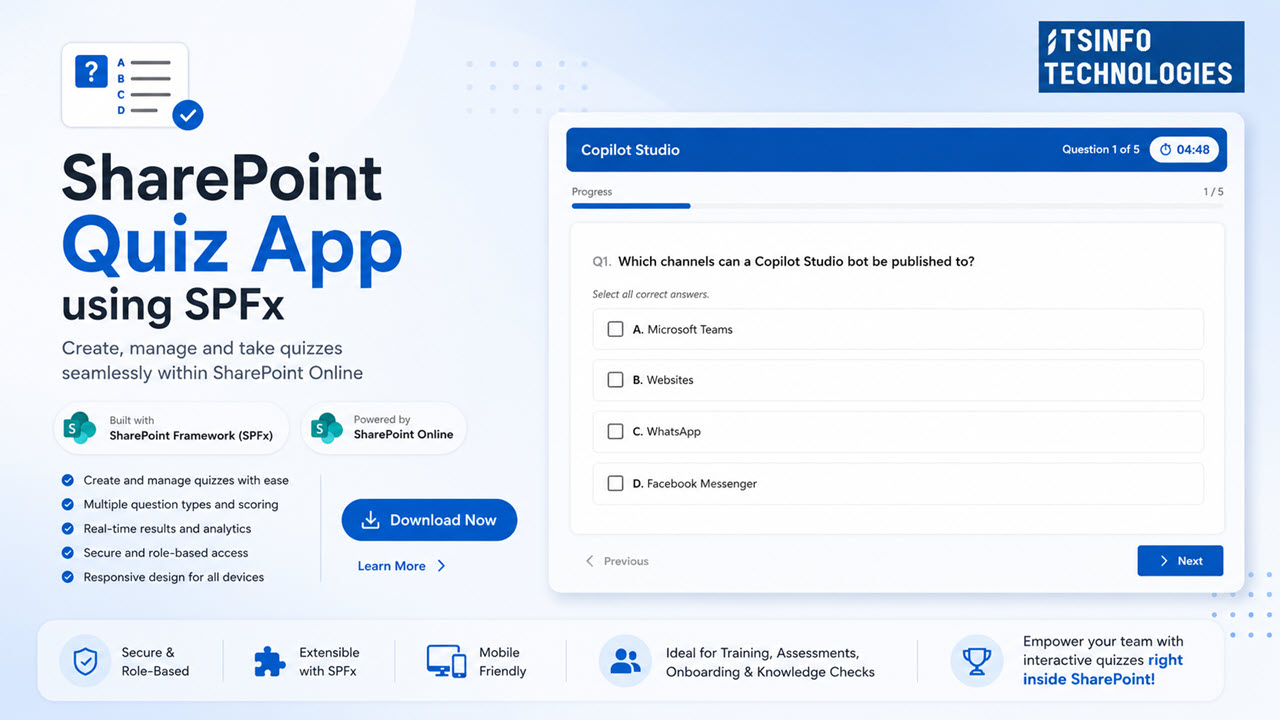
Ready-to-Use SharePoint Quiz App for Employee Learning & Skill Assessments
Deploy in minutes on your existing SharePoint Online – no extra licenses, no custom development.
Empower your organization with a fully featured SharePoint Quiz App built using SharePoint Framework (SPFx) and SharePoint Online. Create quizzes, assess employee knowledge, track performance, generate detailed reports, and support both internal and external users—all without building anything from scratch.
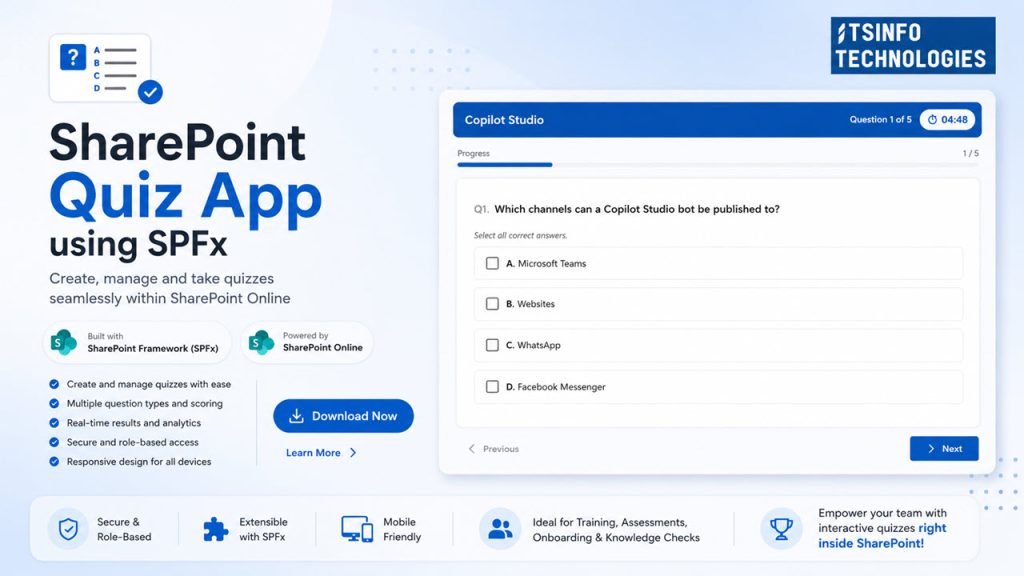
Built with modern SPFx for SharePoint Online in your own Microsoft 365 tenant.
Requires no additional licenses beyond existing Microsoft 365 / SharePoint Online.
Supports both internal employees and external guest users, including email notifications.
Stores all quiz data in SharePoint lists only, keeping everything secure inside your tenant.
Who this is for & key benefits
For organizations that want to launch quiz-based assessments without building from scratch.
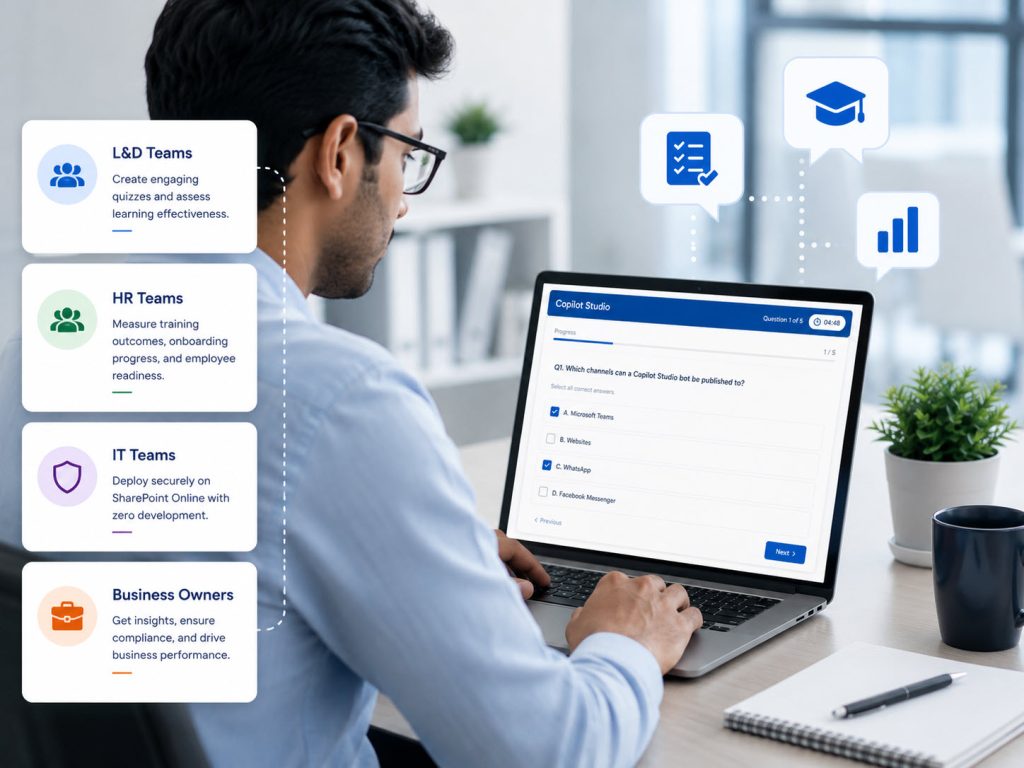
- Quickly launch quizzes on your modern SharePoint intranet.
- Track employee skills, training outcomes, and compliance.
- Empower site owners to manage everything without developers.
- Gain clear insights with built‑in dashboards for pass rates, attempts, and quiz performance across teams.
- Built as a production-ready SPFx solution; just deploy and configure.
- Save weeks of development, testing, and maintenance.”
- Fully aligned with Microsoft 365, no external systems to maintain.
Admin experience – “No-code management for site owners”
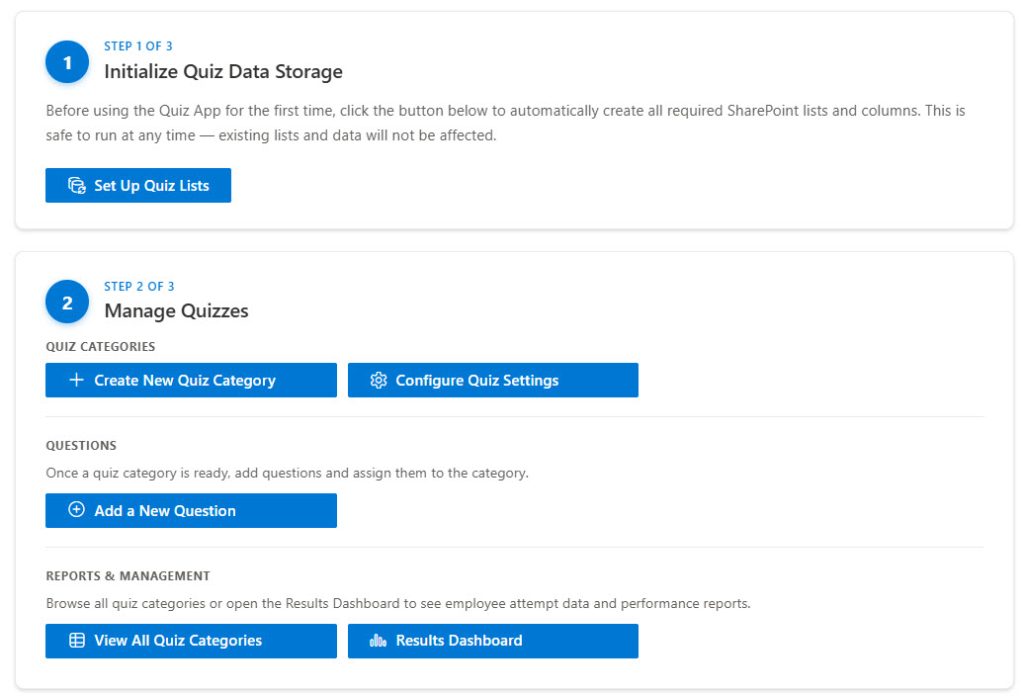
- Admin web part visible only to Site Owners.
- One-click “Initialize Quiz Data Storage” to auto-create all lists, columns, views, and indexes.
- Configure sender email and email provider (Power Automate / AAD).
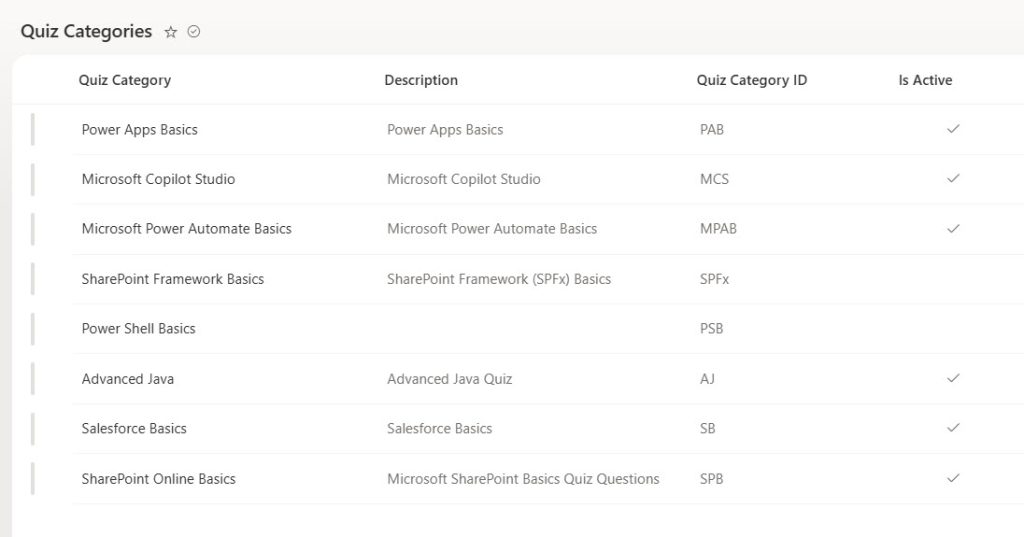
- Manage quiz categories, quiz settings, questions, and status (active/inactive) from the interface.
- View analytics dashboards, pass/fail stats, employee attempts, and quiz performance – all inside SharePoint.
End-user experience – “Simple, engaging quizzes for everyone”

- Personalized home screen showing available quizzes as cards with question count and time.
- Clear instruction screen (time limit, number of questions, pass mark, multiple attempts, random/sequential).
- Responsive quiz-taking screen with progress bar, timer, navigation (Next/Previous, Submit).
- Instant results with pass/fail, score, correct vs wrong vs skipped visual chart.
- Detailed attempt review: see your answers vs correct answers, attempt history, etc.
Email notifications & automation

- Automatic quiz completion summary emails for both employees and guest users, with pass/fail and breakdown.
- Admin-only alert emails when data source/configuration issues are detected, with recommended fix steps.
- Ensures users get a professional, branded experience and admins are proactive about issues.
Reporting & analytics section

- Overview metrics: total attempts, pass rate, average score, total employees.
- Pass/Fail per quiz category with visual bars and charts.Pass/Fail per quiz category with visual bars and charts.
- Employee results view: filter by quiz, person, and see detailed attempts.
- Quiz performance table: attempts, passed, failed, and pass rate per quiz.
Security, governance, and compatibility
- All data (questions, responses, logs) stored in SharePoint lists within your tenant.
- Honors SharePoint permissions and audience targeting.
- Fully responsive across desktop, tablet, and mobile.
- Built on Microsoft 365 standards (SPFx) – no external databases or third‑party services required.
Setup & onboarding (how fast can they go live)
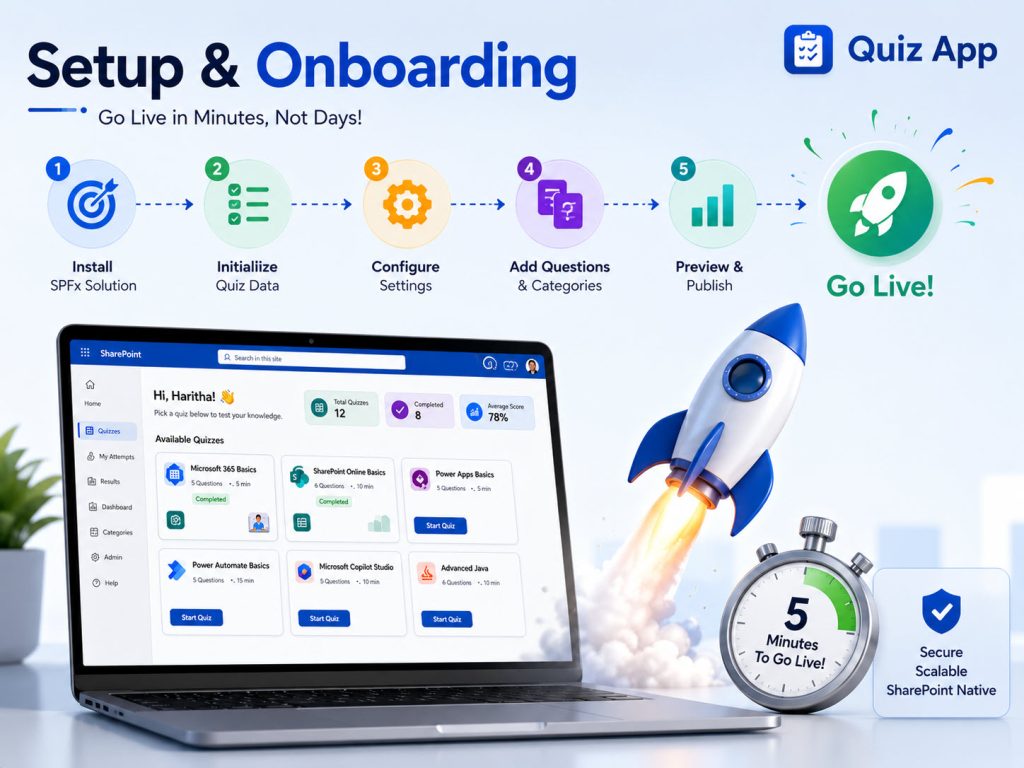
- Typical deployment steps (high level): add SPFx package to app catalog, add web parts to pages, click “Set Up Quiz Lists”, configure email provider.
- Time indications: “Go from zero to live quizzes in a day” (or realistic promise you’re comfortable with).
- Offer: “We provide documentation/video walkthroughs plus optional onboarding support.”
Pricing & licensing

- “One-time solution license per tenant / annual subscription” (whatever your model is).
- Clarify: “No per-user licensing; unlimited quizzes and attempts within your tenant.” (if true).
- CTA: “Contact us for pricing” / “Book a 30-minute demo”.
Ready to launch quizzes on your SharePoint?
FREQUENTLY ASKED QUESTIONS
Got Questions? We’ve Got Answers.
1. Does the quiz app work with guest users?
Yes. The app supports both internal employees and external/guest users on your SharePoint Online site, including full quiz experience and email result notifications.
2. Do we need any additional licenses or third‑party tools?
No extra licenses are required beyond your existing Microsoft 365 / SharePoint Online subscription, and all data stays within your tenant without any external databases or third‑party services.
3. Can we customize the branding (logo, colors, text)?
Yes. The app is built as a modern SPFx solution, so you can align it with your SharePoint site branding and customize key text labels to match your organization’s look and tone.
4. What happens if we add the app to new SharePoint sites?
You can deploy the SPFx package to additional modern SharePoint sites, and site owners can run the built‑in “Set Up Quiz Lists” action to initialize the required lists and start using the app on each site.
5. How are updates and bug fixes handled?
Updates and bug fixes are delivered through new versions of the SPFx package; once the updated package is deployed to your app catalog, sites automatically use the latest version without impacting existing quiz data stored in SharePoint lists.
6. What happens if SharePoint lists are accidentally modified or deleted?
If any required quiz lists or columns are missing or misconfigured, the app detects the issue, logs it, and sends an automatic alert email to site owners with recommended actions; in most cases, re‑running the “Set Up Quiz Lists” action safely recreates or fixes the required lists without touching existing data.