Home › Automation › Power Automate Development
Power Automate services
Power Automate Consulting and Development Services
We build Power Automate flows that keep running: well designed, properly owned, tested, monitored and easy to change. From one approval flow to hundreds of automations across your company.
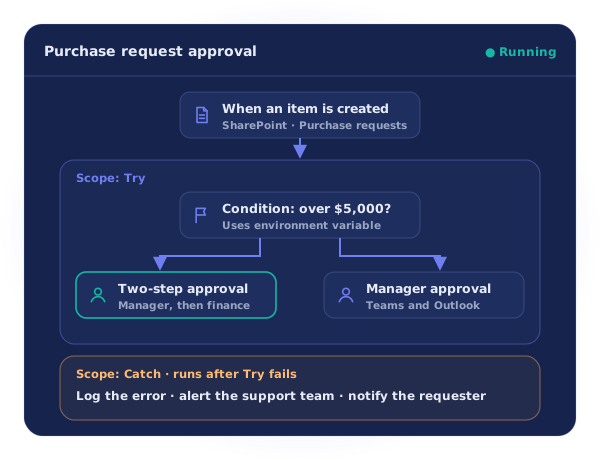
Illustrative example
The short answer
What does a Power Automate consultant do?
A Power Automate consultant designs, builds and supports flows that automate work across Microsoft 365 and your other systems. Beyond building flows, a good partner sets up the structure that keeps them reliable: solutions, ownership, error handling, monitoring and a safe way to release changes.
Looking at automation from a business angle first? See our business process automation page.
Our services
Power Automate services, end to end
Cloud flow development
Automated, instant and scheduled flows that connect Microsoft 365 with the rest of your systems.
Approvals
Single and multi-step approvals answered from Teams, Outlook or the action center, with a full history.
Desktop flows and RPA
Attended and unattended desktop flows for older apps, including hosted machines that scale on demand.
Custom connectors and integrations
Connectors for your own REST APIs, and secure access to on-premises systems through the data gateway.
AI document processing
Read invoices, forms and documents with AI Builder models, then send the data where it belongs.
SharePoint workflow migration
Move retired SharePoint 2010 and 2013 workflows to supported Power Automate flows.