You need a new intranet, a set of SPFx web parts or a move to SharePoint Online, and your internal team is already stretched.
An offshore partner looks like the obvious answer, but the proposals all sound the same and it is hard to tell who can actually deliver.
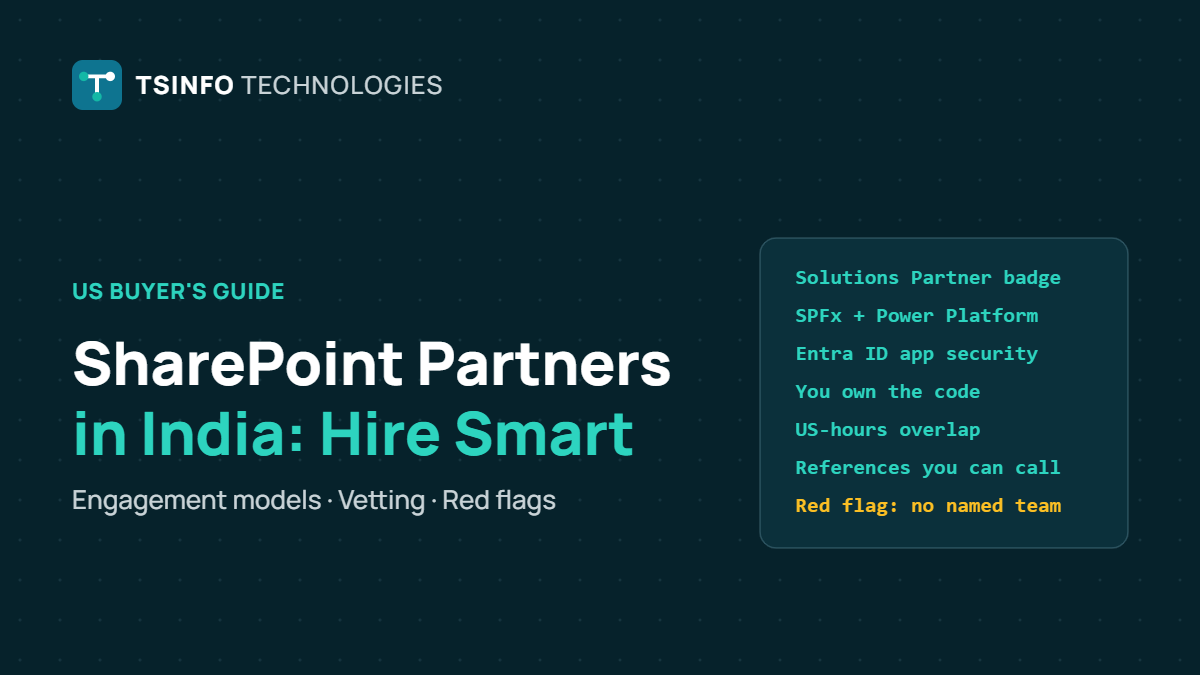
Quick answer: the best way to choose between sharepoint development companies in india is to check five things before price: current Microsoft partner credentials, hands-on SharePoint Online, SPFx and Power Platform skills, a clear security approach in Microsoft Entra ID, written code ownership, and real working-hour overlap with your US team.
A short paid pilot tells you more than any sales deck.
Why US Teams Work With SharePoint Partners in India
SharePoint work comes in bursts. You need several specialists for a few months during an intranet build or migration, then a smaller crew for support.
Hiring that skill set full time in a tight US market is slow, so many organizations add an offshore partner instead.
The main draw is depth of talent. A good partner can staff a developer, a SharePoint architect, a Power Platform maker and a tester from one bench.
The other draw is the delivery model: work can move forward during your night, with a review waiting each morning.
That only works when the partner is organized around your schedule.
Our own dedicated SharePoint developers work this way: our delivery team in Bangalore works with US time-zone overlap, so standups and reviews happen during your business day.
Engagement Models: Which One Fits Your Project?
Most partners offer three ways to work. The model shapes the contract and who manages daily work.
| Model | Best for | You manage | Watch for |
|---|---|---|---|
| Fixed-scope project | A defined intranet, migration or app with clear requirements | Sign-offs and acceptance testing | Change requests when the scope was vague |
| Dedicated developer or team | Ongoing builds, a backlog of web parts and flows, support | Priorities and the backlog | Idle time if your backlog runs dry |
| Staff augmentation | Filling a skill gap inside your own team | Daily tasks, code reviews, standards | Your team carries the delivery risk |
A fixed-scope project suits a well-defined build, such as a new SharePoint intranet with hub sites and news. If your needs will keep evolving, a dedicated team is usually the calmer choice.
How to Evaluate a SharePoint Development Partner
Every vendor says it has certified experts. These checks separate real capability from a good website.
Microsoft partner credentials (current names only)
Microsoft’s program is now called the Microsoft AI Cloud Partner Program. Partners earn Solutions Partner designations based on a partner capability score that measures performance, skilling and customer success.
The Modern Work pathway, which covers Microsoft 365 and SharePoint, now rolls up to the badge Solutions Partner for AI Business Solutions.
One quick test: Microsoft no longer offers Silver and Gold memberships. A partner that still leads with a “Gold Partner” logo has not updated its credentials, so ask what it holds today.
SharePoint Online, SPFx and Power Platform skills
Ask for proof of modern work, not classic farm projects.
Microsoft names the SharePoint Framework (SPFx) as the recommended way to customize and extend SharePoint Online, and the same components can run in Microsoft Teams and Viva Connections.
With the SharePoint Add-in model being retired in SharePoint Online, a partner still proposing add-ins is a concern.
Look for TypeScript and React skills, Microsoft Graph, and experience packaging solutions for the tenant app catalog. Our SPFx development service page lists the kinds of web parts and extensions buyers usually ask for.
Most SharePoint projects also touch forms, approvals and reports, so check Power Apps and Power Automate experience too. A partner with Power Platform consulting experience can tell you when a flow beats custom code.
Security, Microsoft Entra ID and access
Ask how the team will access your tenant. A careful partner works with named accounts, uses multifactor authentication, and asks for the least privilege it needs.
For app-only access to SharePoint, Microsoft documents the Sites.Selected permission, which limits an app to the specific sites an admin grants instead of every site in the tenant.
Code ownership, IP and NDAs
Your contract should say that you own the source code, documentation and deployment packages, and that everything lives in a repository you control. Sign a mutual NDA before you share tenant details or business data.
If a vendor wants to keep the code or license it back to you, walk away.
Time-zone overlap, communication and references
Ask how many hours of each working day the team overlaps with yours, who your single point of contact is, and how often you will see a demo.
For live systems, confirm what support looks like during US business hours. Finally, ask for two or three references you can actually call, ideally from US organizations with similar projects.
Red Flags to Watch For
- No named team. You meet a salesperson and an account manager, but never the developers who will do the work.
- Outdated credentials. Gold or Silver partner logos, or certifications that do not match current Microsoft names.
- Classic-only experience. Farm solutions, server-side code or add-ins when you are on SharePoint Online.
- Vague ownership terms. No clause saying the code and documentation belong to you.
- Requests for global admin rights on day one, with no plan for least-privilege access.
- A quote before questions. A firm price for a project nobody has scoped is a guess, and change orders follow.
- No references you can call, only logos and quotes on a website.
Partner Evaluation Checklist
Score each shortlisted partner against this table during your calls.
| Area | What good looks like | How to verify |
|---|---|---|
| Microsoft credentials | Current Solutions Partner designation or certified staff | Ask for the designation and the certifications of your named team |
| SharePoint Online skills | Modern sites, hub sites, SPFx, Microsoft Graph | A live demo of recent work, not screenshots |
| Power Platform | Power Apps and Power Automate alongside SharePoint | Walk through one solution end to end |
| Security | Named accounts, MFA, least-privilege app access | Ask for their access and offboarding checklist |
| Ownership | You own code, docs and packages in your repository | Read the contract clause before signing |
| Communication | Daily overlap, one point of contact, sprint demos | Sit in on a sample standup or review |
| Support | Defined response times during US business hours | Get it in writing in the support terms |
| References | Two or three clients you can call | Call them and ask what went wrong |
If the work includes moving content, add a migration row.
We migrate from file shares, Google Drive, Box and older SharePoint versions to SharePoint Online, and our SharePoint Online vs on-premises comparison explains why the target matters.
Questions to Ask on the First Call
- Who exactly will work on our project, and can we meet them before we sign?
- Which Solutions Partner designation and Microsoft certifications does the team hold today?
- Can you show a recent SPFx web part or SharePoint Online intranet you built?
- How will you access our tenant, and what permissions will you ask for?
- Who owns the code, and where will it be stored during the project?
- How many hours do you overlap with our working day, and how often will we see progress?
- What does support look like after go-live, and during US business hours?
- Can we start with a small paid pilot before committing to the full project?
If you are planning a records-heavy build, add questions about libraries, metadata and retention from our SharePoint document management services.
Next Steps
Shortlist two or three partners, run the checklist, and start with a pilot that ships one real piece of work.
If you want to see how we work, our SharePoint consulting and development services cover intranets, SPFx, Power Platform and migration to SharePoint Online.
You can also book a free consultation with our team and walk through your project with us.
Frequently Asked Questions
Keep Learning
- New to the platform? Start with what SharePoint Online is and does.
- Planning team spaces? Compare SharePoint vs Teams and when to use each.
- Need off-the-shelf parts? Browse our ready-made SPFx apps with source code.