
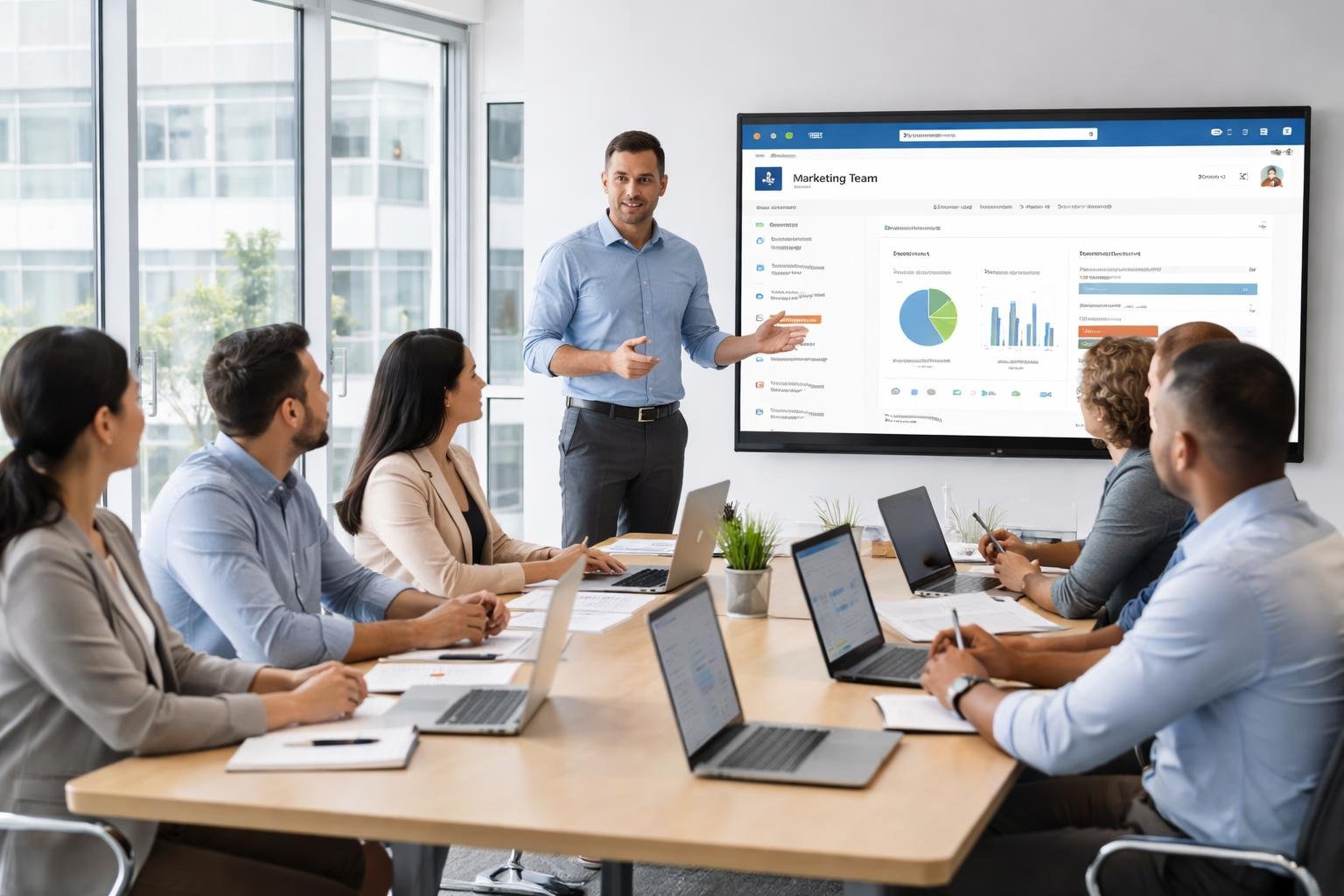
SharePoint Site Owner Training Live
Are you a SharePoint Site Owner struggling to unlock the full potential of SharePoint Online for your organization? Get personalized, live training designed specifically for you — and confidently manage, organize, and empower your team.
- Live 1-on-1 sessions tailored to your organization
- 7 comprehensive modules — SharePoint to Power Platform
- Real-world scenarios in your actual SharePoint environment
- Learn governance, automation, collaboration & best practices
- Available for individuals and entire teams
Does This Sound Like You?
If any of these challenges resonate with you, this training was built exactly for your situation.
You became a SharePoint Site Owner but never received proper training
Your team doesn’t know how to use SharePoint effectively — files are everywhere
You’re unsure how to set up permissions, pages, or document libraries correctly
You want to train your employees on SharePoint but don’t know where to start
You’re using only 10% of what SharePoint Online can do for your business
You’ve watched YouTube videos but still feel lost when applying it to your organization
You’re not alone — and this training was built for exactly where you are right now.
💬 Let’s Fix This Together — Book a Free CallIs Your Organization Struggling With SharePoint?
Most organizations deploy SharePoint but fail to realize its full potential. Here’s why — and how you can fix it.
Poor SharePoint Governance
Sites proliferate without structure, policies, or ownership. Data becomes unmanageable and compliance risks grow silently.
Unstructured Document Libraries
Files dumped in random folders with no metadata, versioning, or naming conventions. Teams waste hours searching for documents.
Lack of Process Automation
Manual approvals, email-based workflows, and repetitive tasks consume productivity that could be automated with Power Automate.
Low User Adoption
Employees resist SharePoint because they weren’t involved in setup. The interface feels alien and team leaders aren’t equipped to drive adoption.
Untrained Site Owners
Site owners manage SharePoint without training, resulting in permission chaos, broken sites, and frustrated end users.
Permissions Mismanagement
Incorrect permission configurations lead to sensitive data exposure, access issues, and security vulnerabilities.
Targeted Training That Solves Real Business Problems
Our SharePoint Site Owner Training is not a generic course. It’s built around your real organizational challenges, delivered live and one-to-one by an expert who has solved these problems for hundreds of US businesses.
Structured governance from day one
Learn to design and enforce governance policies, site structures, and ownership models that scale.
Organized document management
Implement metadata, content types, and versioning strategies that make document retrieval effortless.
Automate repetitive workflows
Use Power Automate to eliminate manual approvals, notifications, and routine tasks — instantly boosting productivity.
Drive confident team adoption
Become the internal champion who trains colleagues and builds SharePoint sites that teams actually want to use.
Comprehensive Training
Modules Covered
What Makes This Training Different
Designed specifically for SharePoint Site Owners at small & medium businesses — not developers — this is the most practical, results-focused SharePoint training available.
Live 1-on-1 Mentoring
Fully personalized learning. No classes. No waiting. The trainer focuses entirely on your organization and goals.
Real Use Cases
Every session uses realistic organizational scenarios — not toy examples. You learn to solve problems you actually face at work.
Hands-On in Your Environment
You build and configure live in your own SharePoint tenant throughout the training — not just watching slides.
Power Platform Included
Go beyond SharePoint — learn Power Apps and Power Automate to build apps and automate workflows without coding.
Team Training Available
Want to train your entire team? We offer group sessions tailored to your organization’s SharePoint environment and needs.
What You Will Learn
7 comprehensive modules covering everything a SharePoint Site Owner needs — from foundations to Power Platform automation. Click any module to explore the topics.
- Understanding SharePoint Sites — Team Sites vs. Communication Sites
- Site architecture and planning for your organization
- Navigation setup: Hub sites, Quick Launch, Top Navigation
- SharePoint vs. OneDrive — when to use what
- SharePoint Site best practices
- Understanding SharePoint Recycle Bin
- Creating and organizing Document Libraries
- Folder structure vs. Metadata — best practices
- Setting up versioning, check-in/check-out
- Sharing files securely inside and outside your organization
- Creating and customizing SharePoint Lists
- Using views, filters, and column formatting
- Applying Rules in Document Libraries (Automated Actions on Changes)
- Quick Steps in Document Libraries
- Tracking tasks, assets, and requests with SharePoint Lists
- Understanding Permissions & Microsoft 365 groups
- Understanding SharePoint permission levels
- Creating and managing SharePoint Groups
- Implementing SharePoint site, library and item level permissions
- Implementing External sharing in SharePoint for SMBs
- Sharing best practices to avoid permission chaos
- SharePoint Access Request Settings
- SharePoint Sensitivity Labels for Files
- Creating modern SharePoint pages
- Using Modern Web Parts: Hero, News, Events, Quick Links, Editorial Card, etc.
- Building a simple & eye-catching company intranet homepage
- Designing a department or team site
- SharePoint Mega Menu Configuration
- Introduction to Power Apps Canvas Apps for SharePoint users
- Connecting Power Apps to SharePoint Lists as a data source
- Adding basic forms, galleries, and navigation in Canvas Apps
- Publishing and sharing the app with your organization
- Building simple business apps — examples:
- Employee Leave Request App
- Asset Tracking App
- IT Help Desk Request Form
- No-code/low-code approach — no developer skills required
- Introduction to Power Automate and how it connects with SharePoint
- Trigger types — automated, instant, and scheduled flows
- Building simple but powerful automations — examples:
- Auto-notify team when a new document is uploaded
- Approval workflow for requests submitted via SharePoint List
- Send reminders for overdue tasks in a SharePoint List
- Auto-move or copy files between libraries based on conditions
- Using templates to get started quickly
- Managing and monitoring flows from Power Automate dashboard
- How to plan and deliver SharePoint training to your team
- Creating a SharePoint Training Site for your employees
- Building a user adoption strategy that works for SMBs
- Resources and communication strategies for SharePoint rollout
- Introducing Power Apps and Power Automate to end users
Is This Training Right for You?
Designed for non-developers who manage, use, or are responsible for SharePoint within small and medium organizations using Microsoft 365.
SharePoint Site Owners
You’ve been assigned the Site Owner role but haven’t received formal training. Learn to manage permissions, pages, and document libraries with complete confidence — and lead SharePoint for your organization.
Project Managers
Use SharePoint as a powerful project hub — track tasks, manage documents, create project sites, and keep teams aligned without switching between multiple tools.
Team Leaders & Managers
Build team collaboration environments that boost productivity, reduce email overload, and give your team a single organized space to work together effectively.
HR Teams
Create HR portals, policy libraries, employee onboarding sites, and self-service solutions that your entire workforce can access — without IT involvement every time.
IT Administrators
Empower your business teams with well-governed SharePoint environments. Reduce daily IT support tickets and shift SharePoint ownership to the right people in the business.
SMB Owners & Operations Staff
Running a small or medium business using Microsoft 365? Get hands-on training so you and your team maximize every feature of SharePoint Online you’re already paying for.
Your Training Journey in 5 Steps
From your first conversation to confident SharePoint management — here’s exactly what happens when you enroll.
Step 1: Free Consultation
We discuss your goals, current SharePoint setup, and training objectives at no cost.
Step 2: Training Plan
A personalized curriculum is designed around your organization, role, and specific goals.
Step 3: Live Sessions
Attend scheduled live one-to-one sessions at times that work for your calendar.
Step 4: Hands-On Practice
Build and configure directly in your SharePoint environment during every session.
Step 5: Implementation Support
Get post-training guidance as you roll out your new SharePoint skills across your team.
What You’ll Achieve After Training
Measurable improvements in how your organization uses SharePoint — starting from your very first session.
Implement SharePoint Correctly
Set up SharePoint the right way from the start — with governance, structure, and scalability built in from day one.
Improve Team Productivity
Eliminate duplicate files, version confusion, and endless email chains with structured collaboration environments.
Automate Manual Work
Save hours every week by automating approvals, document routing, and notifications with Power Automate.
Build Business Apps Without Code
Create custom internal apps using Power Apps connected to your SharePoint data — no developer required.
Avoid Costly Mistakes
Learn the most common SharePoint errors — broken permissions, poor taxonomy, ungoverned sprawl — and prevent them.
Become the SharePoint Champion
Build the confidence and expertise to guide your organization’s SharePoint strategy and drive user adoption across your team.
Everything Included in Your Training
A complete, fully supported learning experience from start to finish — not just a set of slides or recordings.
Live Instructor-Led Training
Every session is live with your expert trainer — no pre-recorded videos, no passive watching. You get direct, real-time instruction tailored to your questions.
Real Business Scenarios
All exercises are based on actual organizational use cases — document approval workflows, intranet design, permission setups — not textbook examples disconnected from reality.
Hands-On in Your SharePoint
You build live in your own SharePoint tenant during every single session. Everything you create during training is immediately usable by your organization.
Lifetime Learning Resources
Access comprehensive training materials, guides, checklists, and references — provided after your sessions so you always have a reliable resource to revisit.
Post-Training Expert Support
Your trainer remains accessible after sessions end. Ask questions, get clarity on implementation challenges, and ensure your SharePoint rollout succeeds.
Flexible US-Friendly Scheduling
Sessions scheduled around your availability across all US time zones — ET, CT, MT, and PT. Weekdays or weekends, mornings or afternoons — your choice.
Learn From a 12x Microsoft MVP

Bijay Kumar is a 12-time Microsoft Most Valuable Professional (MVP) with over 18 years of expertise in SharePoint, Microsoft 365, and the Power Platform. As Founder of TSInfo Technologies, he has been working with SharePoint Online and Microsoft 365, helping small and medium-sized businesses in the United States optimize their SharePoint environments, build productive intranets, and empower their teams.
I understand the challenges that come with being a SharePoint Site Owner without the right training — because I’ve seen it hundreds of times. That’s why I created this live, personalized training to give you exactly what you need, applied directly to your organization.
📖 Published Author
🔗 Connect With Bijay
What Site Owners Are Saying
Real feedback from professionals across the United States who have trained with us.
“Before this training, our SharePoint was a mess — nobody knew where anything was. After just 3 sessions, we had a proper structure, the right permissions, and my team actually started using it. Game changer.”
“I was a brand-new SharePoint Site Owner with zero training. This 1-on-1 program gave me the confidence to manage our entire SharePoint environment and even train my colleagues.”
“We tried YouTube videos and free courses — nothing stuck. The live training was different because it was done inside our actual SharePoint. Highly recommend for any small business.”
Frequently Asked Questions
Everything you need to know before booking your SharePoint Site Owner Training.
Ready to Become a Confident SharePoint Site Owner?
Stop guessing. Stop watching YouTube videos. Get live, hands-on SharePoint training built around your organization — and start making SharePoint truly work for your team today.